An inventory management app you talk to
StoreDesk is an inventory management app inside your admin for the everyday jobs: set stock on any product by asking, and ask which products are running low.
01What it does
Two inventory jobs, done by asking. Set new stock counts and find what's running low without opening every product.
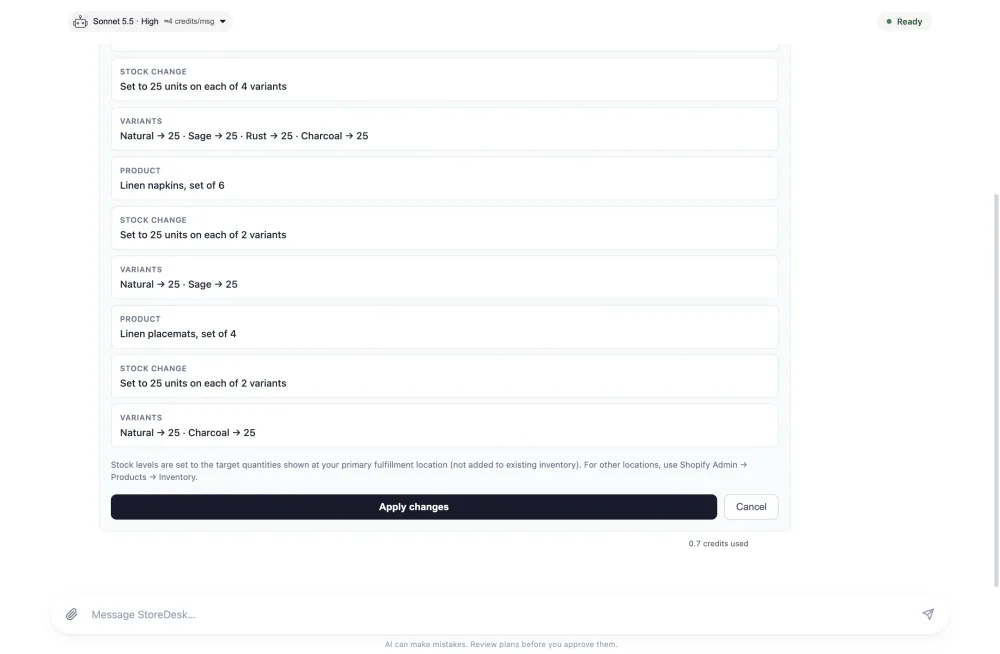
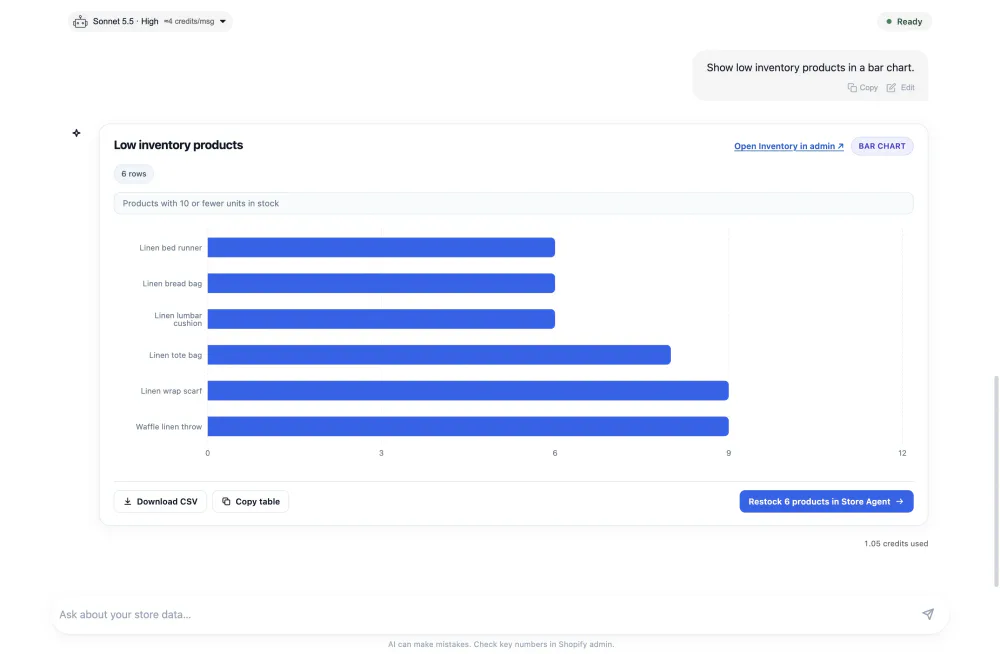
Small online stores rarely need a warehouse system. Most weeks you need to put new counts on products after a delivery, and to know what's about to sell out. StoreDesk does those two jobs. In Store Agent you type "set stock to 25 on each variant of the Linen napkins, set of 6", check every variant and number on a review card, and approve. In Store Analytics you ask "show low inventory products in a bar chart" and get the products at 10 units or fewer, with a button that turns them into a restock request. It doesn't forecast, reorder or move stock between locations.
- Set stock
- Low stock report
- SKUs
- Review card
- One location
02Low stock report
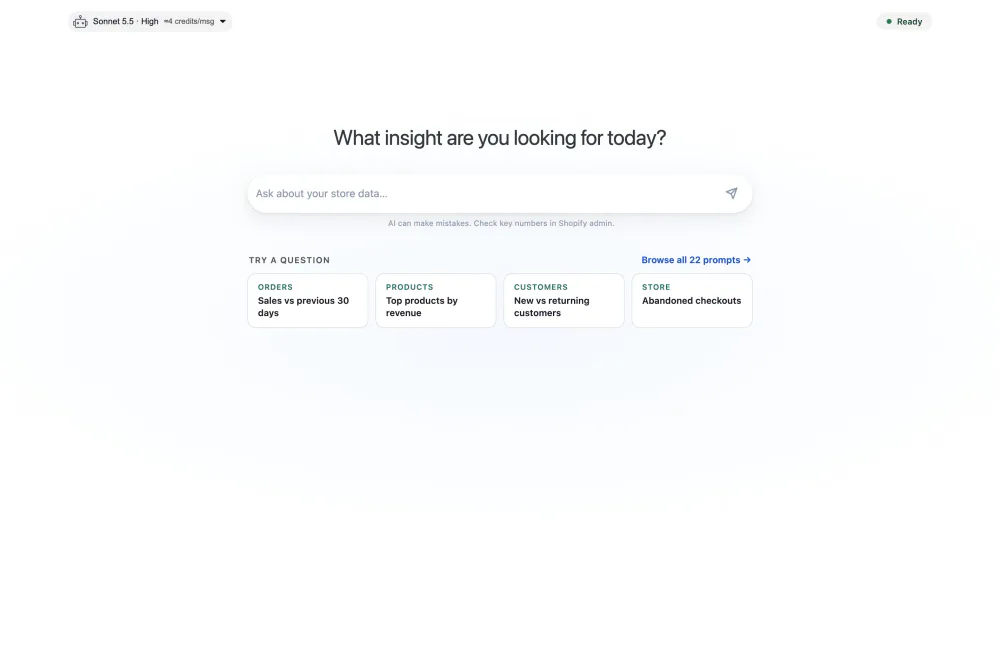
Online store inventory management: see what's running low
Ask Store Analytics for low inventory products. It reads your current stock, lists the products at or under 10 units and draws a bar chart. Ask for a different line, such as 5 or fewer, if 10 doesn't suit your store.
03Set stock
Two ways to set stock with this inventory management app
Type the request, or fill in the Set product stock skill. Either way you get the review card shown at the top of this page, with every variant and its new count.
 Type it
Ask in Store Agent
"Set stock to 25 on each variant of the Linen napkins, set of 6 and the Linen placemats, set of 4." Several products fit in one request.
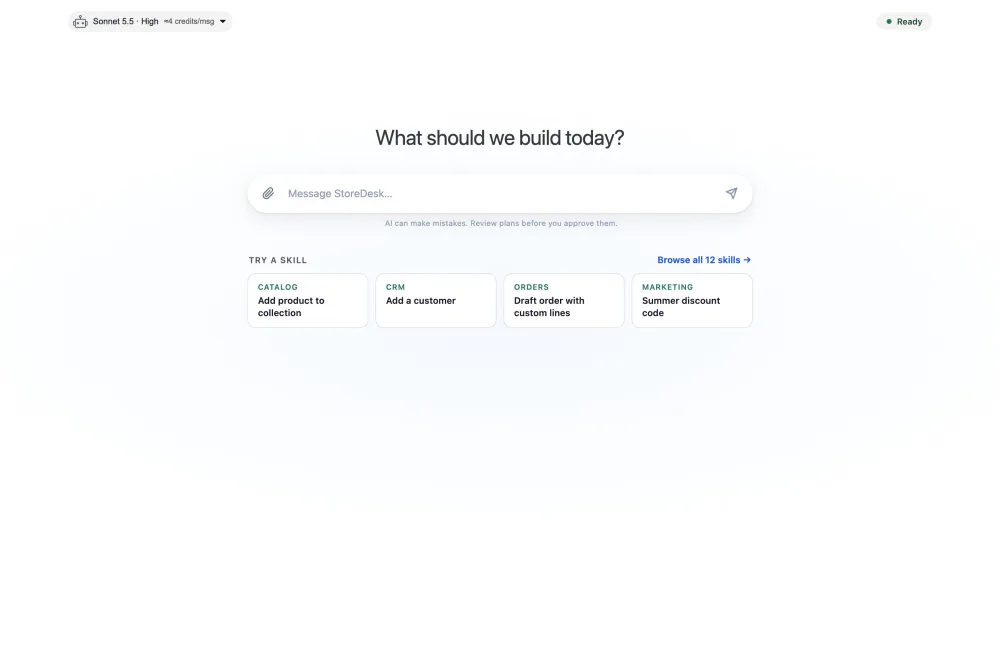
 Use a skill
Pick Set product stock
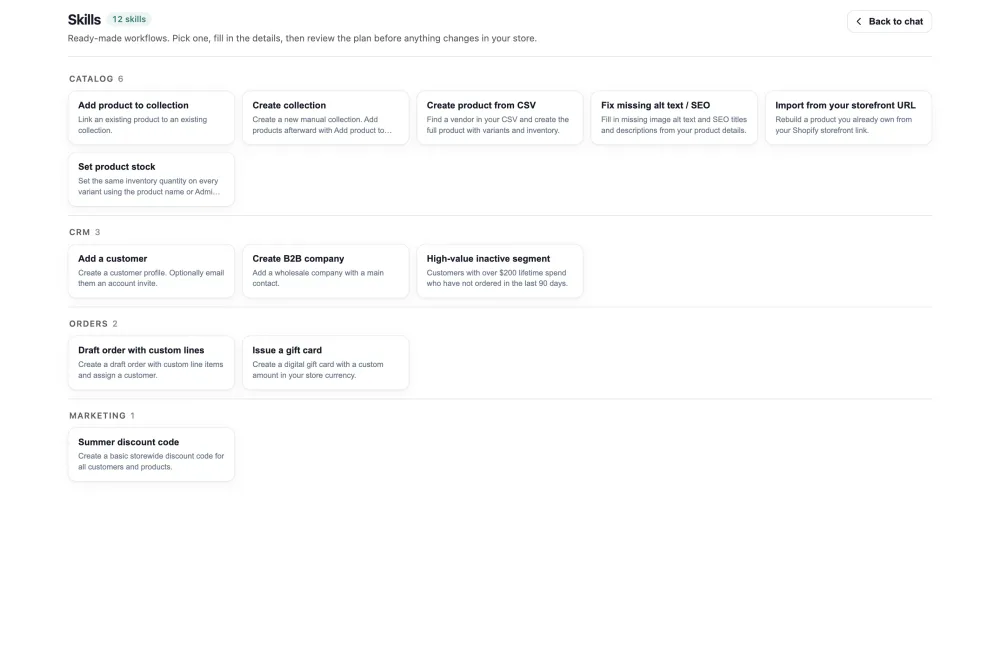
Under Catalog in Skills, give the units per variant and the product name or its admin link.
04Features
Features in inventory management
05Related
Works with the rest of StoreDesk
06FAQ
Inventory management questions
How do I manage inventory for an online store?
Keep stock counts right after every delivery, check what's running low on a regular day, and reorder before best sellers sell out. For a small store with one location you can do that in your admin's inventory screen or, with StoreDesk, by asking: set the new counts in Store Agent and ask Store Analytics for low inventory products.
How do I track inventory for ecommerce?
Turn on inventory tracking for every variant so each sale takes stock down, then compare the counts with what's on your shelves from time to time. When StoreDesk sets stock on a variant that isn't tracked yet, it turns tracking on first. To see what's low, ask Store Analytics for low inventory products.
What is the best inventory app for a small online store?
The best fit depends on how you stock: one location and simple counts need a light tool, while purchase orders, forecasting or several warehouses need a full inventory system. StoreDesk covers the first case only. It sets stock by request and reports what's running low; it doesn't reorder, forecast or manage locations.
How do I update inventory in bulk?
Name the products and the number in one request, such as "set stock to 25 on each variant of these three products". StoreDesk lists every variant and its new count on one review card and sets them together after you approve. It writes at one location and doesn't read stock from a CSV file.
Can StoreDesk send low stock alerts?
No, StoreDesk doesn't send alerts or notifications. You ask for the low stock report when you want it, and it shows the products at 10 units or fewer, or under the line you choose.
Does StoreDesk work with several locations?
StoreDesk sets stock at one location per variant: the location it's already stocked at, or your first location. To move stock between locations or set counts somewhere else, use the inventory screen in your admin.